The vision
As AI began reshaping how organizations operate, I saw the need for a centralized approach to AI adoption — rather than fragmented efforts scattered across departments. The AI Hub became a one-stop destination bringing strategy, collaboration, learning, and alignment together, marking a pivotal moment in Zensai's journey to becoming the best showcase for Human Success in the age of AI.
The Hub
- Visual overview of the AI strategy, framework principles, and department-level initiatives.
- Collaboration forum for success stories, questions, and cross-team sparring.
- Learning resources — example use cases, transformation roadmap, and current OKRs.
- Direct line from company strategy down to team-level AI experiments.
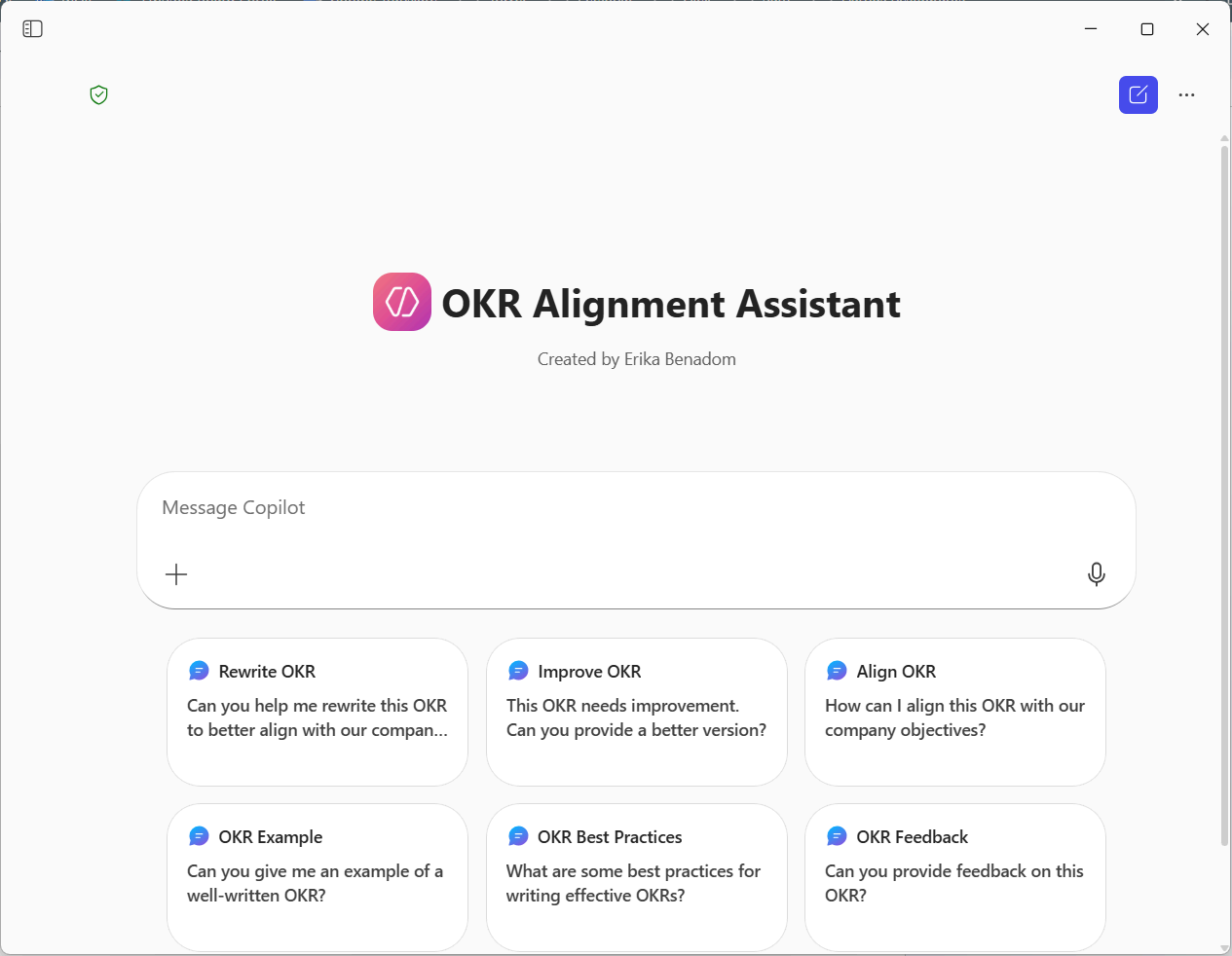
The OKR Alignment Assistant
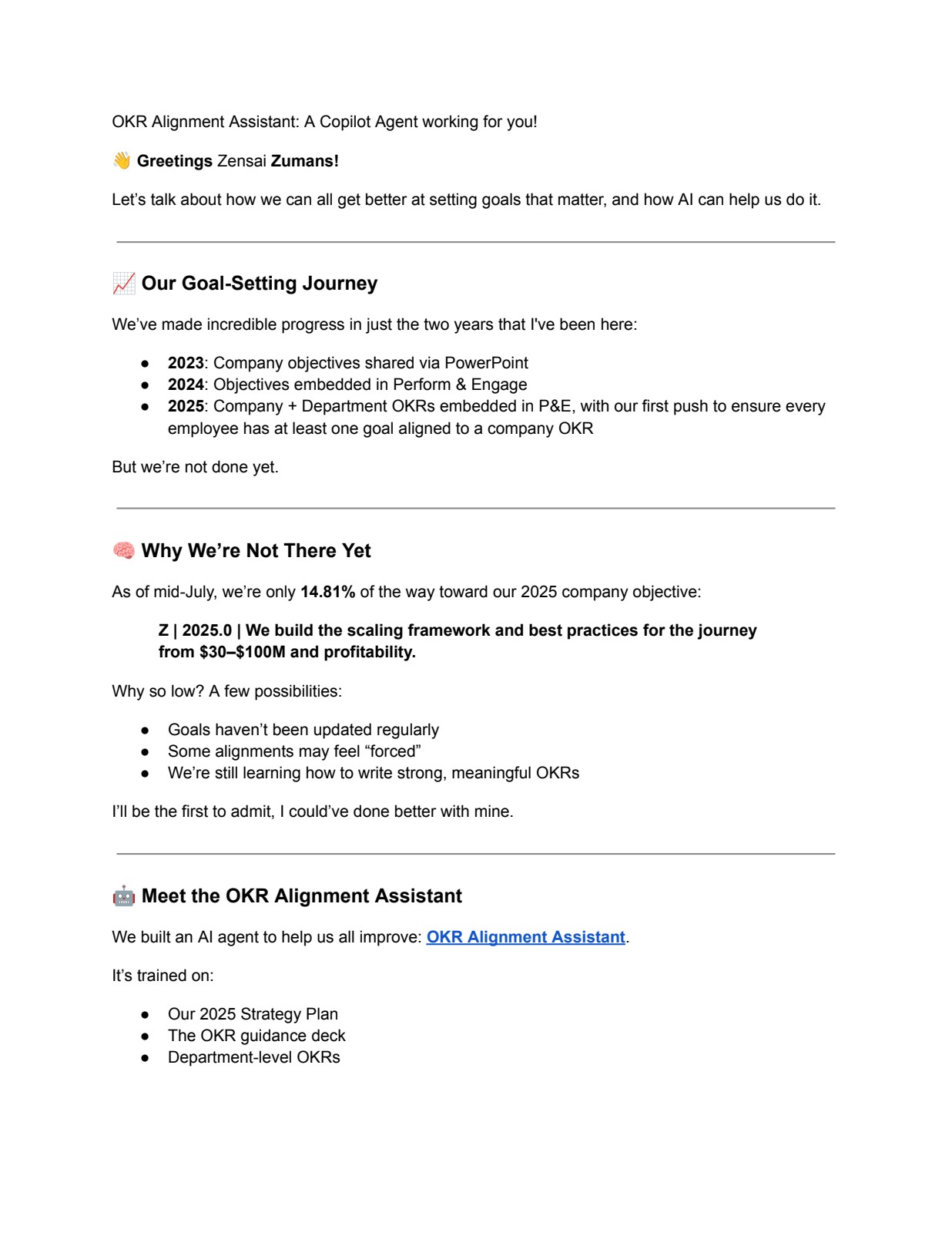
Beyond the Hub, I built Zensai's first custom AI agent using Microsoft Copilot Studio. Trained on the 2025 Strategy Plan, the OKR guidance deck, and all department-level OKRs, the agent gives every employee real-time feedback on their goals — rewrite suggestions, alignment critique, examples, and best practices — regardless of their familiarity with the framework.
- Rewrite an OKR to align with company objectives.
- Critique a draft and suggest a stronger version.
- Show examples of well-written OKRs from any department.
- Explain best practices in plain language.
Rollout & impact
Pilot tested against 33 employee goals before company-wide launch. To model adoption, I published my own OKRs and the agent's feedback openly, and encouraged every colleague to spar with the agent, iterate, and refine.
"This is one of the coolest ways to use AI. Thank you for creating the OKR Alignment Assistant — super helpful."